Convert .docx to PDF right on your iPhone or iPad — offline, in a couple of taps, with no sign-up and no watermark.

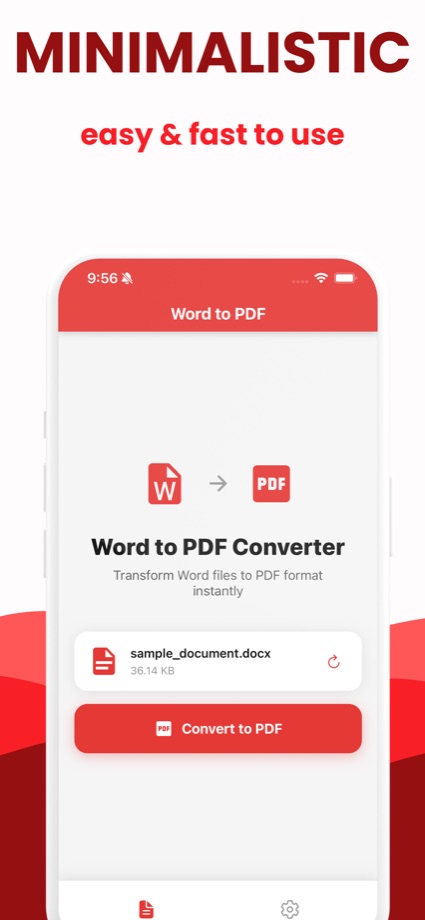
The converter on this site works in Safari too — the app is for the times you convert often.
Send a document to the app straight from Mail, WhatsApp, Slack or Files — no saving and re-picking.
The conversion runs on the device. Airplane mode, roaming, basement Wi-Fi — it does not matter.
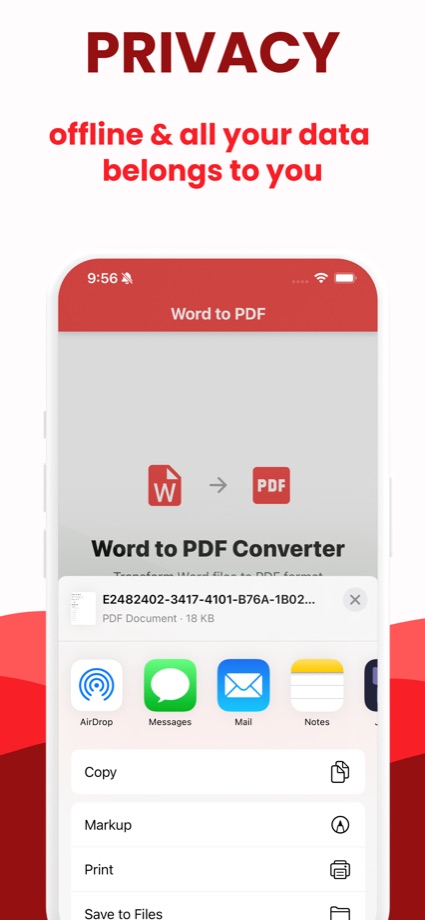
Save the finished PDF to Files or iCloud Drive, or fire it off with AirDrop, Mail or Messages.
Or use any of the built-in routes in the full iPhone guide.
Install Word to PDF Converter: Docx from the App Store — it's free.
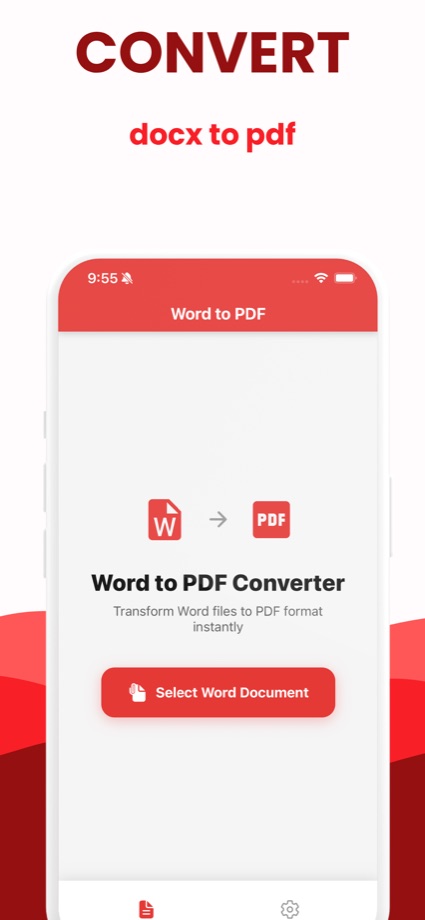
Tap “Select Word Document” and choose a .docx from Files, iCloud Drive, or another app via the share sheet.
Tap Convert to PDF, then save it to Files or share it anywhere — Mail, Messages, AirDrop or Print.
Prefer not to install anything? Convert right here in Safari — nothing leaves your phone either way.
Files app, the Print trick, Safari or the free app — every way to turn a .docx into a PDF on iPhone or iPad, and what each one costs you.
Read the guide → GuideWhy .docx files break for the person receiving them, and how to convert to PDF and attach it on WhatsApp from an Android phone or iPhone.
Read the guide → GuideFour ways to convert a .docx with no connection — including a browser tool that keeps working after you switch the Wi-Fi off.
Read the guide →Free on the App Store for iPhone and iPad.
 Word to PDF